
Look-alikes
It finds the near-copies and keeps the best one. Nothing goes until you say so.
Now on Google Play
ShrinkWrap makes the photos and videos on your phone smaller. Right on your phone. No cloud, no upload, no account.
You can free up
32.2 GB



61.2 GB · 9,804 items
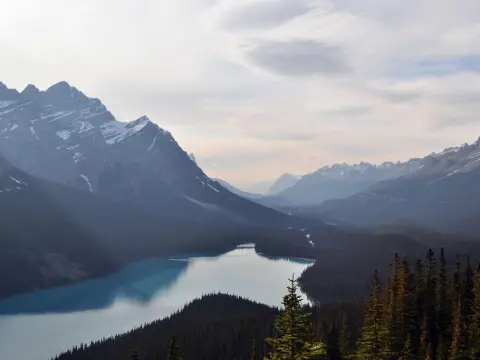
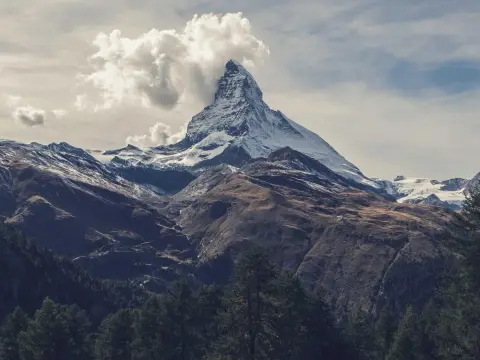
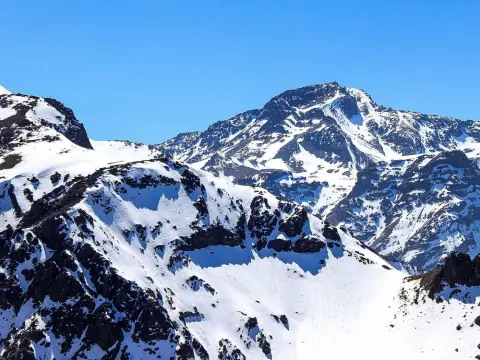
6.3 GB · 412 items

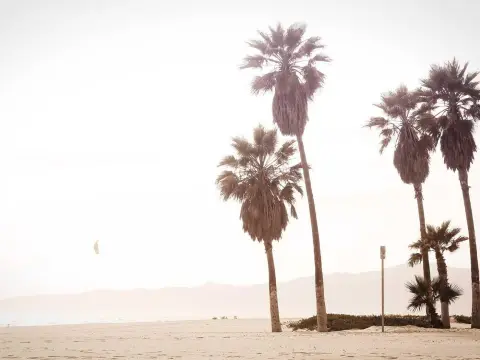
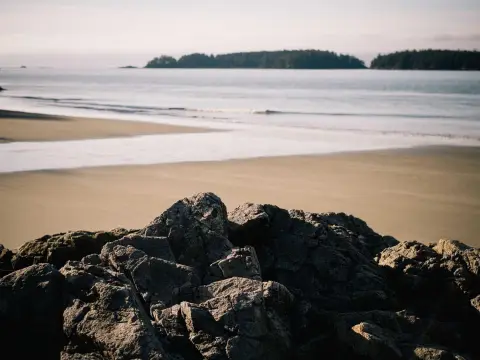

4.8 GB · 356 items

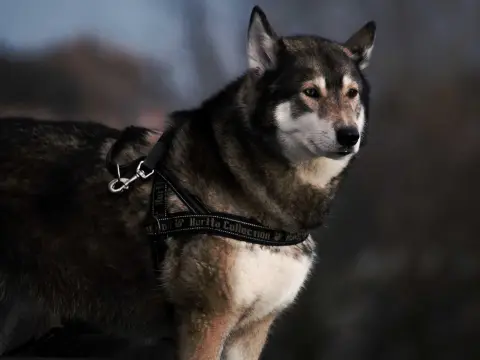
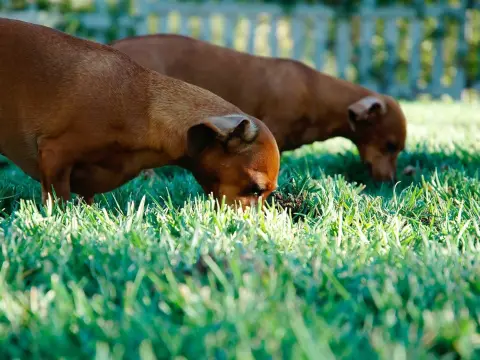
3.9 GB · 288 items

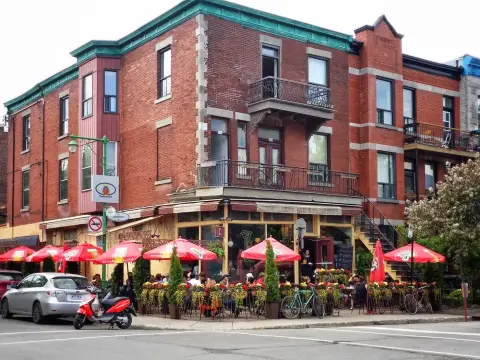
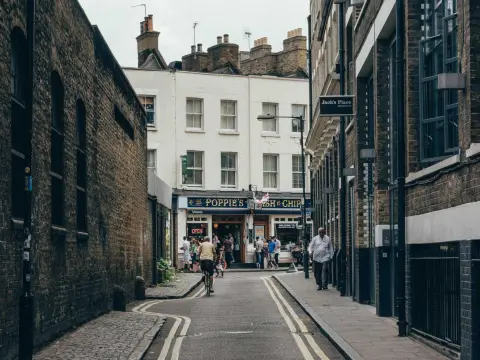
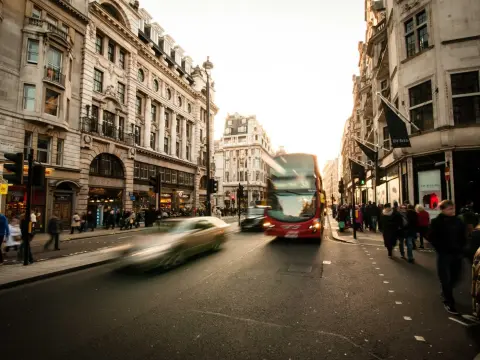
2.7 GB · 214 items



1.9 GB · 160 items
On one real phone, ShrinkWrap found 32.2 GB it could free up.Folder by folder. Nothing deleted.
Where it happens
Everything happens on your phone. No cloud. No upload. No account. It even works in airplane mode.
Before and after
Drag the line. The only thing that changes is the number.
 Before · 9.6 MB
After · 7.0 MB
You'll see the difference in your storage, not in your photos.
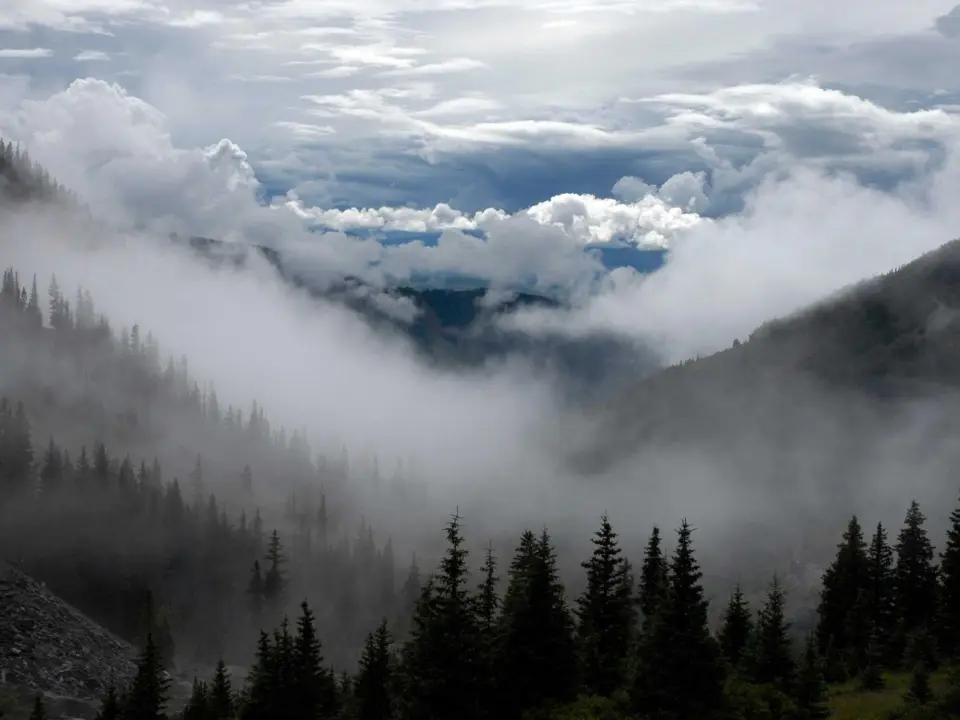 9.6 MB · IMG_20260614_071822
Compress this photo?
It stays in the same folder, under the same name, with its date and location intact. It will be about 4.1 MB afterwards.
5.5 MB freed. Same photo, same place.
You decide
Light mode
It follows your phone's setting.
You can free up
32.2 GB23.9 GB of 61.2 GB can come back
2.5 GB of 6.3 GB can come back
1.9 GB of 4.8 GB can come back
1.5 GB of 3.9 GB can come back
1.1 GB of 2.7 GB can come back
0.7 GB of 1.9 GB can come back
Dark mode
Designed for the dark, not inverted.
You can free up
32.2 GB23.9 GB of 61.2 GB can come back
2.5 GB of 6.3 GB can come back
1.9 GB of 4.8 GB can come back
1.5 GB of 3.9 GB can come back
1.1 GB of 2.7 GB can come back
0.7 GB of 1.9 GB can come back
And the gallery
It finds the near-copies and keeps the best one. Nothing goes until you say so.
Cards, grids, bento. Your folders, laid out your way.
The photos you almost forgot, back every morning.
Now on Google Play
ShrinkWrap is on Google Play now. It shows how much space you'd get back before it changes a thing.ShrinkWrap is on Android today. Join the waitlist and we'll email you once, the day it's on the App Store.

Open this page on your phone